WattCarry
Understand laptop charging, USB-C PD, cables, and backup power before choosing what to buy.
Start with Top Picks
Search WattCarry guides
Understand laptop charging, USB-C PD, cables, and backup power before choosing what to buy.
Start with Top Picks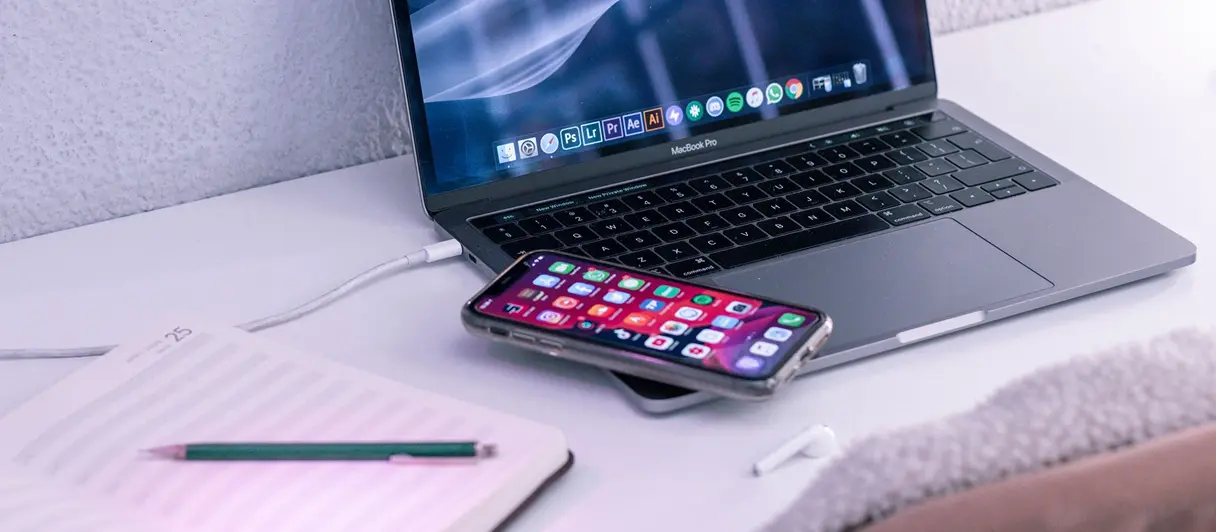
Troubleshooting
When a power bank charges your phone but not your laptop, compatibility is usually the first clue.
Fix a Charging Problem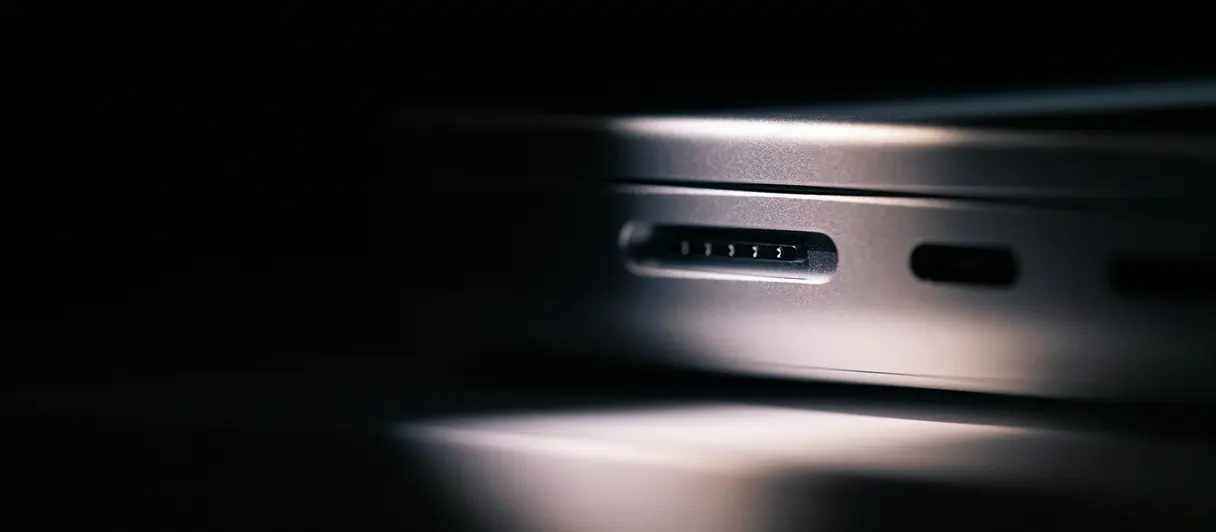
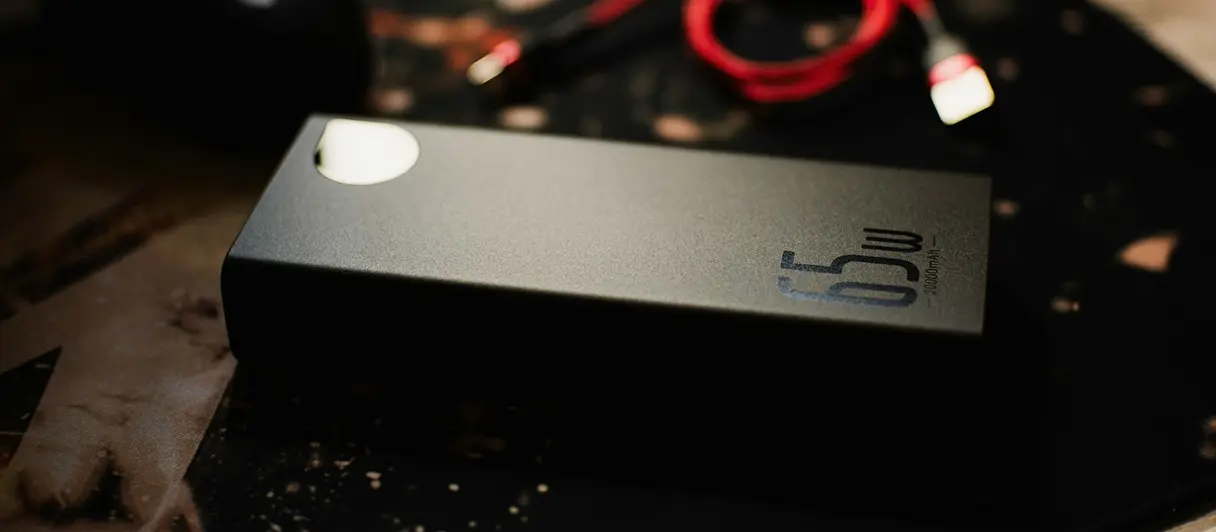
A 65W bank and a 100W bank can serve very different laptop setups.

WattCarry Team
Portable power advice should start with compatibility, not hype. We explain wattage, USB-C PD, cables, and backup setups before pointing you to Amazon products.
This site may use affiliate links, but product guidance starts with practical compatibility and verified specs.
Disclosures appear before recommendations.
Wattage and USB-C PD come first.
Specs are checked before final picks.
Current prices are checked on Amazon.
Pick the route that matches what you need next: a shortlist, a compatibility check, or a wattage comparison.
 Best picks Best Laptop Power Banks Start with laptop-friendly power bank basics. By Mila Hart Updated Jul 2, 2026
 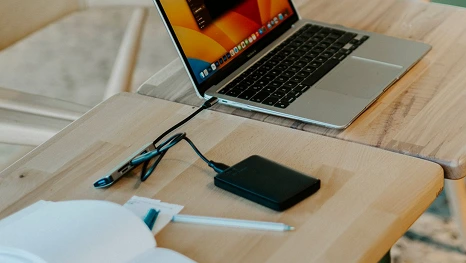 Guide How to Know If a Power Bank Can Charge Your Laptop Check wattage, USB-C PD, and cable support. By Mila Hart Updated Jul 2, 2026
 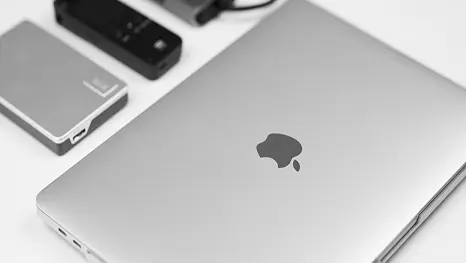 Compare 65W vs 100W Power Bank Compare common wattage classes. By Mila Hart Updated Jul 2, 2026
 FAQ
Short answers for laptop charging, USB-C PD, backup setups, and affiliate notes.
Yes, when the power bank, cable, and laptop all support a compatible USB-C PD wattage.
Many smaller laptops work around 65W, while more demanding models may need 100W or more.
Amazon prices change often, so this site points you to Amazon to check the current price.
A power station may fit longer backup needs, routers, or AC-powered devices better than a pocketable bank.
Yes. Affiliate links may earn a commission, and disclosures appear before product recommendations.
Start with your device: the wattage it needs, whether it charges by USB-C PD, and how long you need backup power to last.